QRWizard iconQRWizard public capture pages

Turn a real-world scan into the next conversation.

QRWizard is the public layer after the scan. It opens a fast mobile tray, captures the lead, and hands the person off to booking or follow-up while the interaction is still warm.

9:415G
QRWizard icon
QRWizard
Public capture flow
Scan to open the tray and keep moving.
/c/sam-demo
conference floorcoffee chatstore counter
What happens next
Fast mobile tray
Collect contact details without making the page feel like a big desktop form.
9:425G
Lead captured
Ready to route
Looks native, books faster.
NameAlex Rivera
Emailalex@northwind.com
CompanyNorthwind
Next step
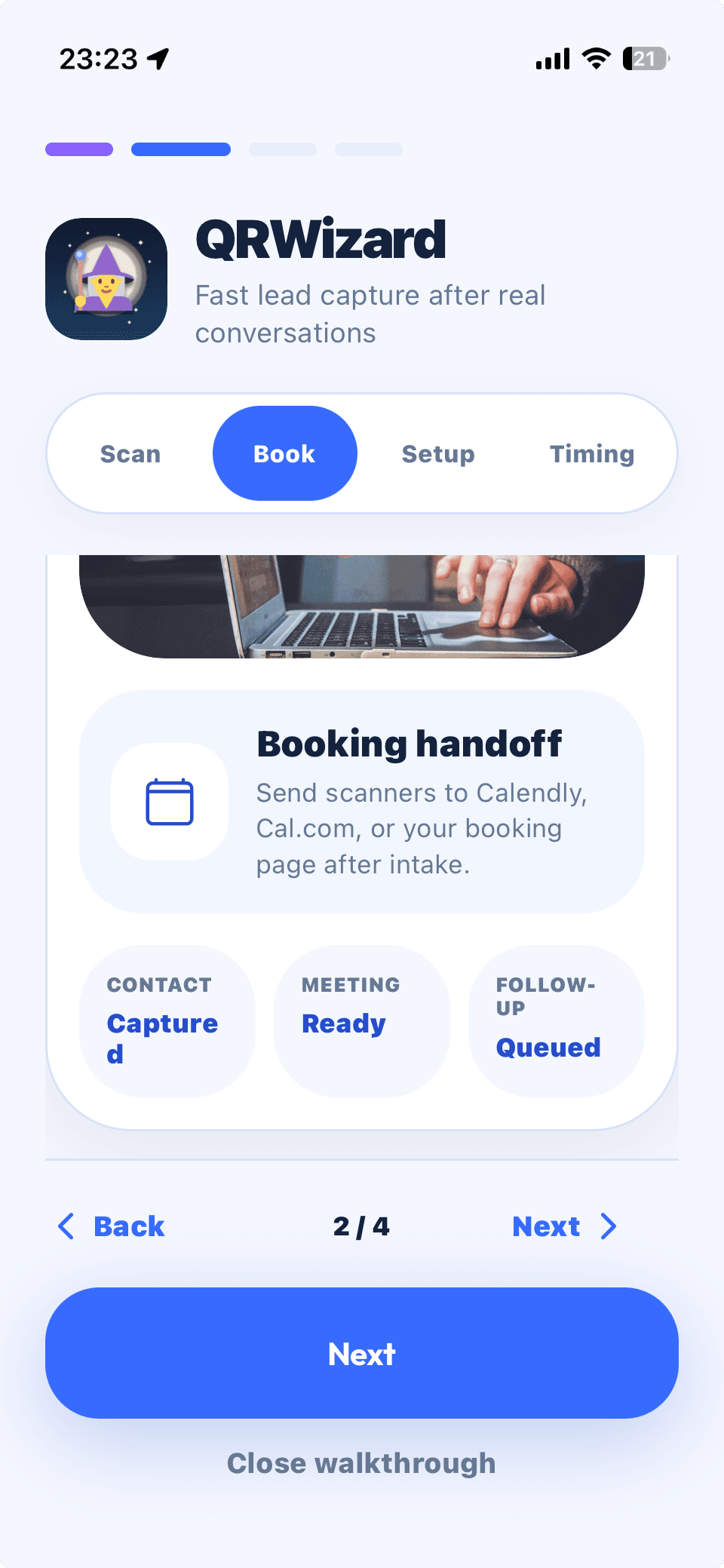
Send to booking
The lead is saved first, then routed to the calendar or follow-up owner.
QRWizard routing

Scan once. Send the lead to the right next step.

QRWizard keeps the public page lightweight, then routes the captured lead by slug, seller, or flow rules so booking, CRM, and follow-up all start from the same scan.

BKBooking
CRMCRM
EMEmail
SMSSMS
NTNotes

Keep the public page fast and mobile-first after the scan.

Route by seller, event, or campaign slug without rebuilding the app.

Hand off to booking or follow-up while the conversation is still warm.

Master entry
One QR tap opens the public flow
Start with a single fast capture page instead of five different handoff paths.
Booking
Hot leads go straight to a calendar.
CRM
Every scan lands in the right pipeline.
Email
Follow-up starts while the intro is fresh.
SMS
Short text nudges for warm handoffs.
Notes
Context stays attached to the person.
Capture-to-follow-up engine
One scan in. The right next step out.
QRWizard keeps the public experience clean, then adapts the handoff behind the scenes so booking, CRM, notes, and follow-up all begin from the same lead.
Lead captureBooking handoffFollow-up ready

See the capture flow

Keep the public page simple. Let the flow do the heavy lifting.

The point is not to make the scanned page feel like a giant website. It should feel fast, mobile-native, and obviously tied to the next action you want.

QRWizard flow
Public page
9:415G
QRWizard icon
QRWizard
Public capture flow
Scan to open the tray and keep moving.
/c/sam-demo
conference floorcoffee chatstore counter
What happens next
Fast mobile tray
Collect contact details without making the page feel like a big desktop form.
Setup
Make this a mobile tray with name, email, company, and a booking CTA after submit.
QRWizard keeps the form light, stores the lead first, and routes the next step without losing the context from the scan.
TTray
RRouting
BBooking
Preview
Routing and booking are already wired in.
9:425G
Lead captured
Ready to route
Looks native, books faster.
NameAlex Rivera
Emailalex@northwind.com
CompanyNorthwind
Next step
Send to booking
The lead is saved first, then routed to the calendar or follow-up owner.
Booking live
Follow-up
Lead owner notified
SCANCAPTUREBOOK

Capture formats

Different slugs need different endings. The public page can stay branded while the next step changes by use case.

CORE
SCAN + SAVE
Simple capture

Contact Capture

Fast tray form for name, email, company, and one next step.

BOOK
BOOK NOW
Calendar handoff

Booking Funnel

Collect the lead, then hand off straight to calendar booking.

EVENT
AT THE BOOTH
Slug-based routing

Event Lead

Tag booth traffic by event, seller, or campaign slug automatically.

DEMO
SHOW ME
Qualified lead

Demo Request

Collect enough detail for a tailored product or sales follow-up.

LIST
JOIN FIRST
High-intent opt-in

VIP Waitlist

Soft opt-in flow for launches, private drops, or premium access.

PROMO
ENTER HERE
Promo capture

Giveaway Drop

Fast capture link built to convert in-store traffic into owned leads.

What belongs here

A fast public entry point, not a random marketing detour.

The useful public pages are the seller capture flows, the support page, the privacy policy, and the terms. Most real traffic should land on seller-specific links like /c/[slug], not wander through a bloated site.

QR

Mobile tray feel

The public form should feel closer to a native bottom sheet than a clunky web page.

SL

Slug-based routing

Different sellers, events, and campaigns can point to different public flows without rebuilding the app.

BK

Booking handoff

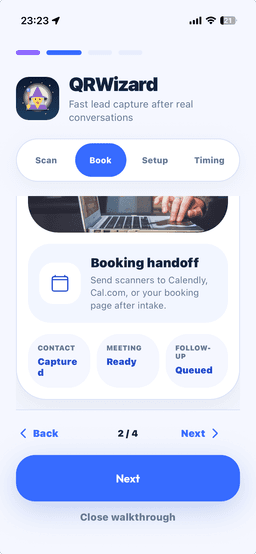
A scan can end in a saved lead, a booked call, or both, depending on the flow.

FU

Follow-up ready

Notes, contact info, and routing context stay attached so the warm intro does not go cold.